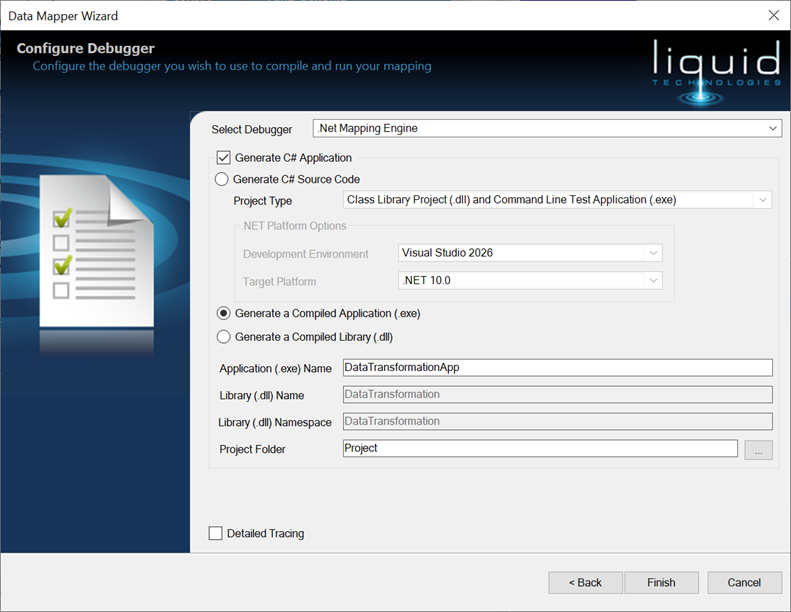
Getting Started Wizard
In This Topic
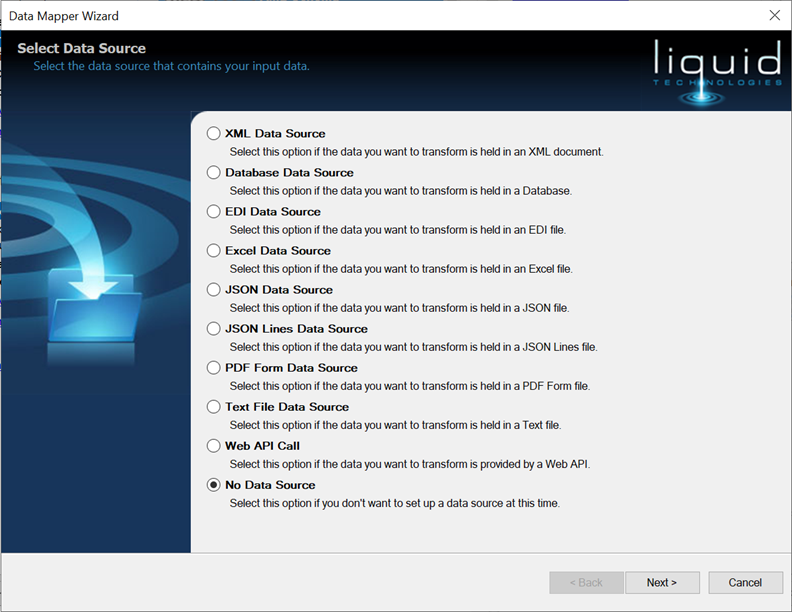
Select Data Source
The first page of the Wizard enables you to add a Data Source Component to the Data Mapping. Simply select the type of input data you wish to read. Clicking Next will the launch the Wizard for the specific input type you have chosed.
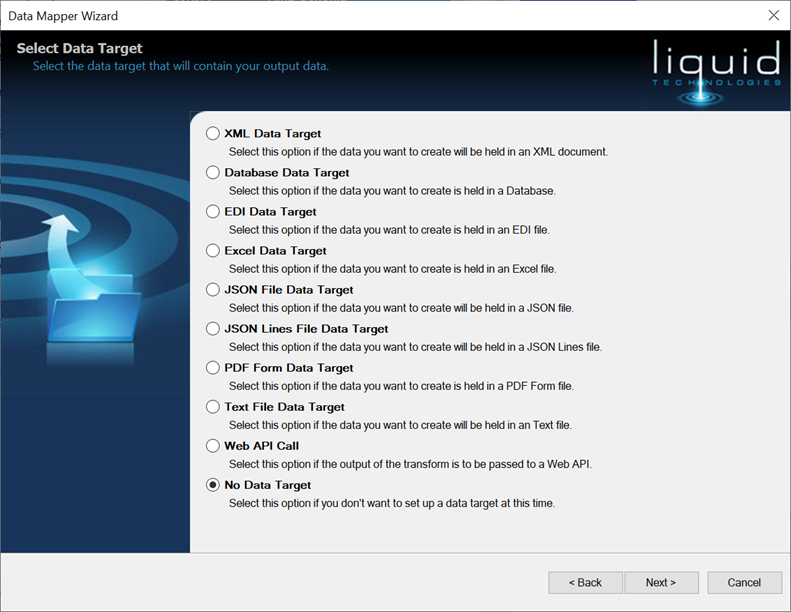
Select Data Target
The second page of the Wizard enables you to add a Data Target Component to the Data Mapping. Simply select the type of output data you wish to write. Clicking Next will the launch the Wizard for the specific output type you have chosed.
Configure Debugger
The third page of the Wizard enables you to Configure the Debugger used to compile and run the Data Mapping.